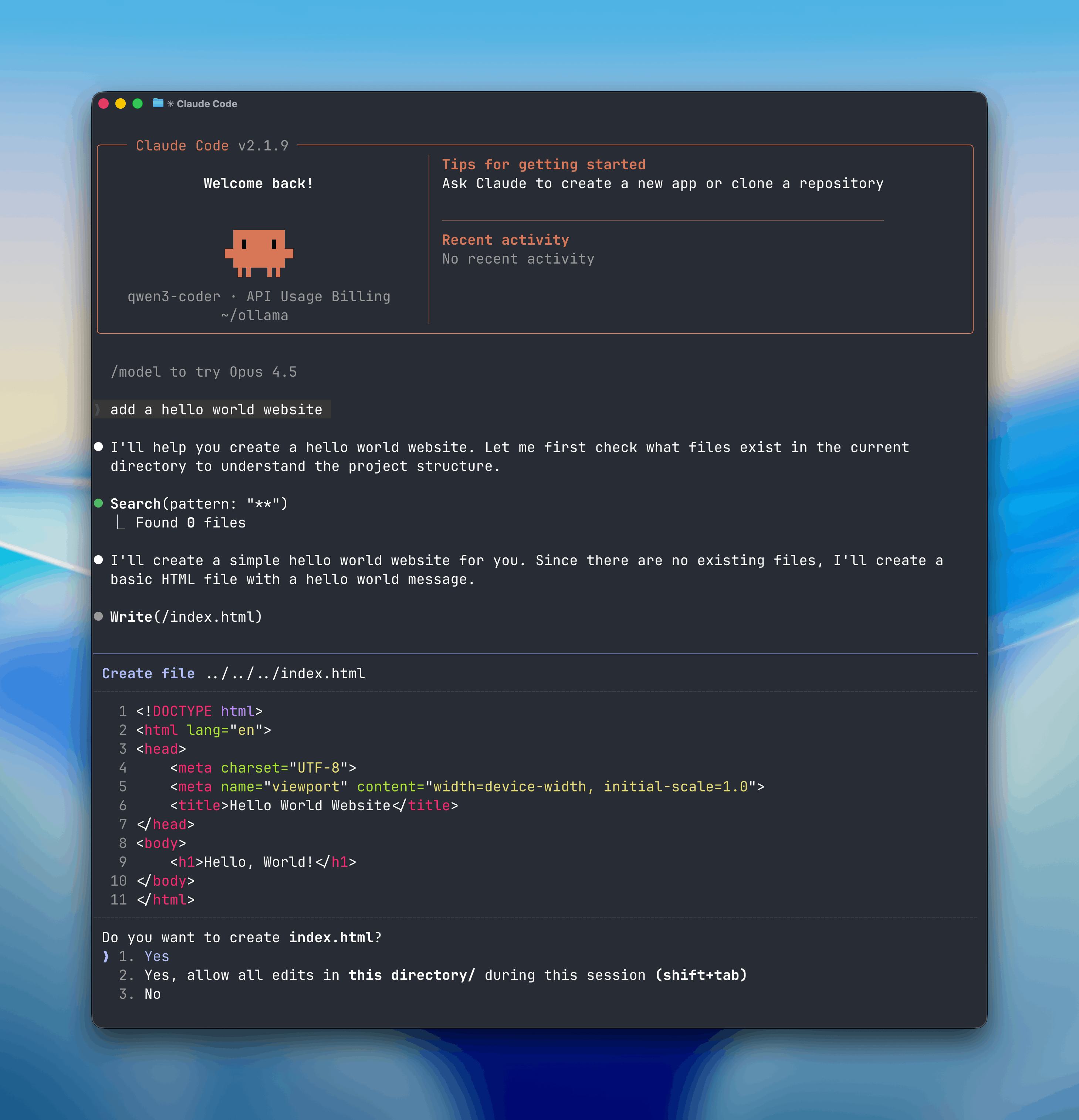
glm-4.7, qwen3-coder, and gpt-oss with Claude Code.
Installation
Install Claude Code from the official sources:Quick Setup
Configuration Only
Specify a Model
Manual Setup
To manually configure Claude Code for Ollama:Inline Environment Variables
Model Requirements
See Context Length for how to adjust context length in Ollama.Recommended Models
Cloud Models
qwen3-coder:480b-cloud
Advanced code generation (260k context)
gpt-oss:120b-cloud
Large reasoning model (130k context)
glm-5:cloud
Reasoning and code generation (200k context)
deepseek-v3.1:671b-cloud
Massive reasoning model (160k context)
Local Models
qwen3-coder
Efficient code generation (~11GB VRAM)
glm-4.7
Reasoning and coding (~25GB VRAM)
gpt-oss:20b
OpenAI-style model for coding (~16GB VRAM)
Model Aliases
Claude Code uses model aliases to route different types of requests:- primary — Main model for complex tasks
- fast — Lightweight model for quick operations
ollama launch claude. Cloud models automatically populate the fast alias.
How aliases work
How aliases work
When Claude Code makes a request with a model alias (e.g.,
@fast), Ollama’s Anthropic-compatible API translates it to the configured model. This lets you optimize cost and performance by routing simple tasks to smaller models.Subagent Support
Claude Code can delegate tasks to specialized subagents. With Ollama, you can configure different models for different agent types:Example Subagent Setup
- Primary:
glm-5:cloud(main reasoning) - Fast:
qwen3:8b(quick tasks) - Code:
qwen3-coder:480b-cloud(code generation)
Features
Multi-file Editing
Make changes across your entire codebase
Tool Calling
Execute shell commands and run tests
Context-Aware
Understands project structure and dependencies
Subagents
Delegate specialized tasks to different models
Usage Examples
Start in a Project Directory
Ask Claude Code to Make Changes
Pass Extra Arguments
Review Changes Before Applying
Claude Code shows diffs for proposed changes. Press:y— Accept changesn— Reject changese— Edit manually
Connecting to ollama.com
To use cloud models hosted on ollama.com instead of running locally:Troubleshooting
”Model not found” Error
Ensure the model is pulled:Context Window Too Small
Increase the context window for local models:Slow Performance
Considerations for better performance:- Use cloud models for large context windows
- Use smaller local models for quick tasks
- Ensure you have sufficient VRAM for the model
- Close other applications using GPU resources
Authentication Issues
Verify environment variables:Advanced Configuration
Persistent Environment Variables
Add to your shell profile (~/.bashrc, ~/.zshrc, etc.):
Custom Aliases
Manually configure aliases in Ollama’s saved config:Example configuration
Example configuration
Learn More
Claude Code Docs
Official Claude Code documentation
Anthropic API
Ollama’s Anthropic-compatible API
Context Length
Configure model context windows
Tool Calling
How tool calling works in Ollama